
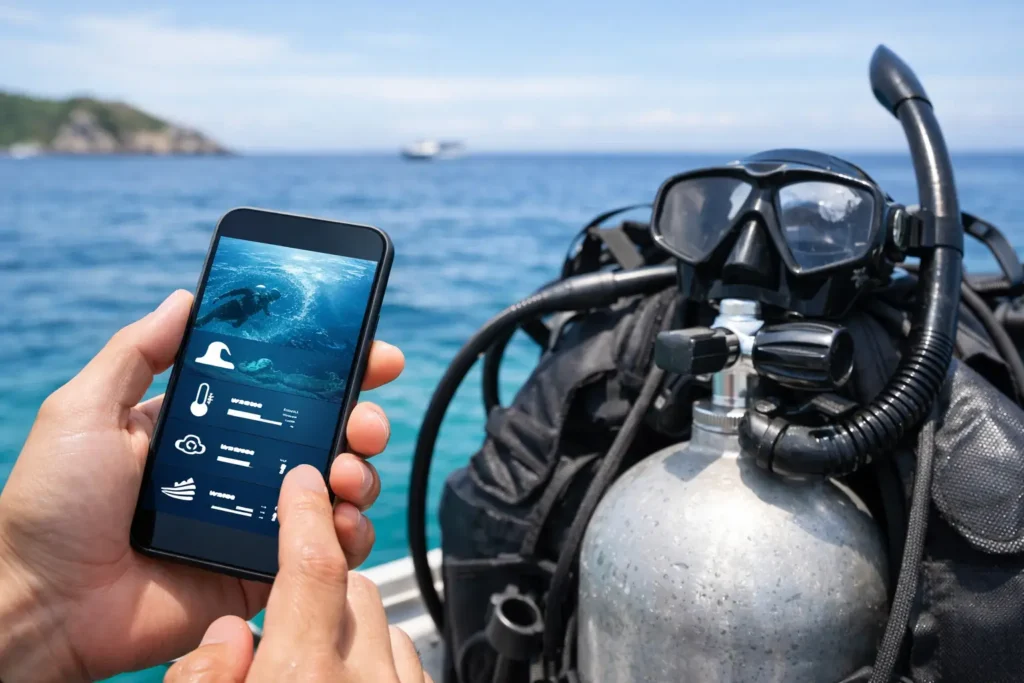
You can have a clear sky, light wind, and a full tank of gas – and still end up staring into green soup. That is the problem a good dive conditions app is supposed to solve. Not just telling you what the weather is doing above the surface, but helping you decide whether the water is actually worth your time, gear prep, and effort.
For divers, snorkelers, and freedivers, that difference matters. A standard forecast might say the coast looks fine. But if swell direction is wrong for your spot, tide timing is working against visibility, or yesterday’s wind churned up the bottom, the session can be a bust before you even zip your suit. The right app should translate those moving parts into one practical answer: Is this a good window to get in, and when?
Why a dive conditions app needs to go beyond weather
Most weather apps are built for general use. They tell you air temp, wind speed, maybe wave height, and call it a day. That can work for backyard plans. It does not work nearly as well when your decision depends on what the water looks like below the surface.
Visibility is not a single metric you pull from one source. It is the result of several conditions stacking together, sometimes in your favor and sometimes not. Wind can stir sediment. Swell can wrap into a cove that usually stays protected. Rain runoff can cloud nearshore spots for a day or two longer than people expect. A tide change can improve a site dramatically, or make it worse if it starts moving the wrong water through.
That is why a dive conditions app should be interpretive, not just informational. Raw data is useful, but only if it helps you make a faster call. Most ocean users are not looking for ten tabs of charts before sunrise. They want clarity on clarity.
What to look for in a dive conditions app
The best apps do not drown you in numbers. They turn ocean variables into useful timing and location context.
Visibility guidance, not just marine data
This is the big one. If an app only shows tide, wind, and swell, you are still doing the translation work yourself. A better setup gives you a visibility outlook based on how those factors usually interact at a specific stretch of coast.
That matters because two beaches a few miles apart can react completely differently to the same conditions. One might clean up on an incoming tide with moderate wind. Another might stay stirred up all day because the swell angle pushes straight into the entry.
A real planning tool should help answer questions like whether visibility is likely to improve by mid-morning, whether the protected side of a point is the smarter call, or whether the entire area is probably a skip.
Time windows that match real sessions
Conditions are rarely just good or bad all day. Often the usable window is short. Maybe wind stays light until 9 a.m. Maybe the tide lines up best an hour after sunrise. Maybe afternoon chop kills what looked promising at dawn.
That is where timing becomes more valuable than a generic daily forecast. A useful app should highlight when conditions are most likely to line up, not just what the broad day looks like. For people coordinating a buddy, driving to the coast, or squeezing in a session before work, that saves a lot of wasted motion.
Local reports from actual water users
Forecasts are powerful, but they are still forecasts. Sometimes you need confirmation from someone who just got out of the water. Community check-ins, short notes, and photo-based reports add reality to prediction.
This is especially helpful in spots where visibility can change fast. A local report can tell you the north side is cleaner than the main beach, surge is manageable despite the swell chart, or surface conditions look mild but underwater visibility is still poor. That kind of detail is hard to get from generic weather products.
A simple safety layer
Ocean planning is not only about getting good viz. It is also about reducing dumb risk. If conditions are borderline, current is building, or your usual partner bails, those details affect whether you should go at all.
A dive conditions app that includes some kind of session coordination or buddy feature is doing more than convenience work. It is helping people make safer calls. That is a practical advantage, especially for solo-prone coastal users who need a faster way to find company or let someone know their plan.
The trade-off between detail and speed
There is a reason many ocean users bounce between multiple apps, webcams, tide tables, group chats, and social feeds. Each tool has one piece of the puzzle. The problem is that assembling all of it takes time, and even then you are still making your best guess.
A dedicated app should cut through that. But there is a trade-off. If it gets too simplified, experienced users may feel it hides the why behind the call. If it gets too technical, it becomes another dashboard you have to interpret on your own.
The sweet spot is a tool that gives you a clear recommendation while still showing enough supporting context to build trust. You should be able to glance at it and get a decision, then look a little deeper if you want to understand why the window looks good or bad.
That balance is where specialized tools stand apart. Searu, for example, is built around that exact gap – turning fragmented coastal data, local observations, and timing signals into a simpler call on water clarity and session potential.
Why spot-specific context matters more than broad forecasts
A coastal county forecast can be technically accurate and still useless for your entry point. That is because ocean conditions are shaped locally. Reefs, harbors, river mouths, cliffs, and beach orientation all change how wind and swell show up in the water.
If you travel for sessions, this gets even more important. You may know how your home spot reacts to a south swell and an outgoing tide. You probably do not know how a new cove two hours away behaves under the same pattern. A dive conditions app should shorten that learning curve.
The best tools feel less like a weather feed and more like local pattern recognition. They help users understand not just what is happening, but what those conditions usually mean for a specific coast or category of spots.
Who benefits most from using one
Newer ocean users gain confidence from having a clearer read before they commit to a session. They waste less time showing up to poor conditions and have a better chance of getting in during manageable windows.
Experienced divers and freedivers benefit in a different way. They often already know the variables. What they need is speed. They want to check conditions fast, confirm the likely visibility trend, see whether anyone has posted from the area, and make the call without opening five different tools.
Travelers may benefit most of all. When you are away from your usual coastline, every wrong guess costs more. You are burning vacation time, fuel, and setup effort on incomplete information. A good app helps you avoid gambling on a random beach just because the surface forecast looked decent.
The best dive conditions app helps you say no
This is the part people often skip. A useful app is not only there to greenlight your plans. It should also make it easier to back off.
If the outlook says visibility is poor, the swell is wrong for the spot, and the useful window is basically nonexistent, that is valuable. A bad session avoided is still a win. You saved the drive, saved the hassle, and probably made a safer decision.
That kind of honesty is what builds trust. Ocean users do not need hype. They need a planning tool that respects their time and gives them enough confidence to wait for better water when the signs are off.
The goal is not to chase every possible session. It is to get in when conditions line up, and stay out when they do not. A good dive conditions app makes that call easier, faster, and a lot less guessy.
If your current routine still involves checking three forecasts, texting two friends, and hoping the viz is better than last time, there is a better way to plan. The right read before you leave home can be the difference between a wasted morning and a session that actually delivers.